I designed a lightweight task management app built for power users.

Product Design
UI Design
Design Systems
Project Timeline
2 Months (Across 2 Phases)
My Role
Product Designer
The Team

Product Designer (Me)

Software Engineer (the Client)

Overview

The client was having trouble finding a task management app that fit his productivity style, and came to me for help. We designed a productivity app built around quick capture and a power user interface. I worked on this app in two separate phases. The app is currently in beta, with additional features planned on the product roadmap.

Results

I designed the app from a blank slate based on a handful of key requirements from the client. I built a quick launch feature, enabling the user to quickly capture ideas to be triaged or grouped later. I built a UI based around keyboard-first navigation and shortcut keys. The app is currently shipped in beta.

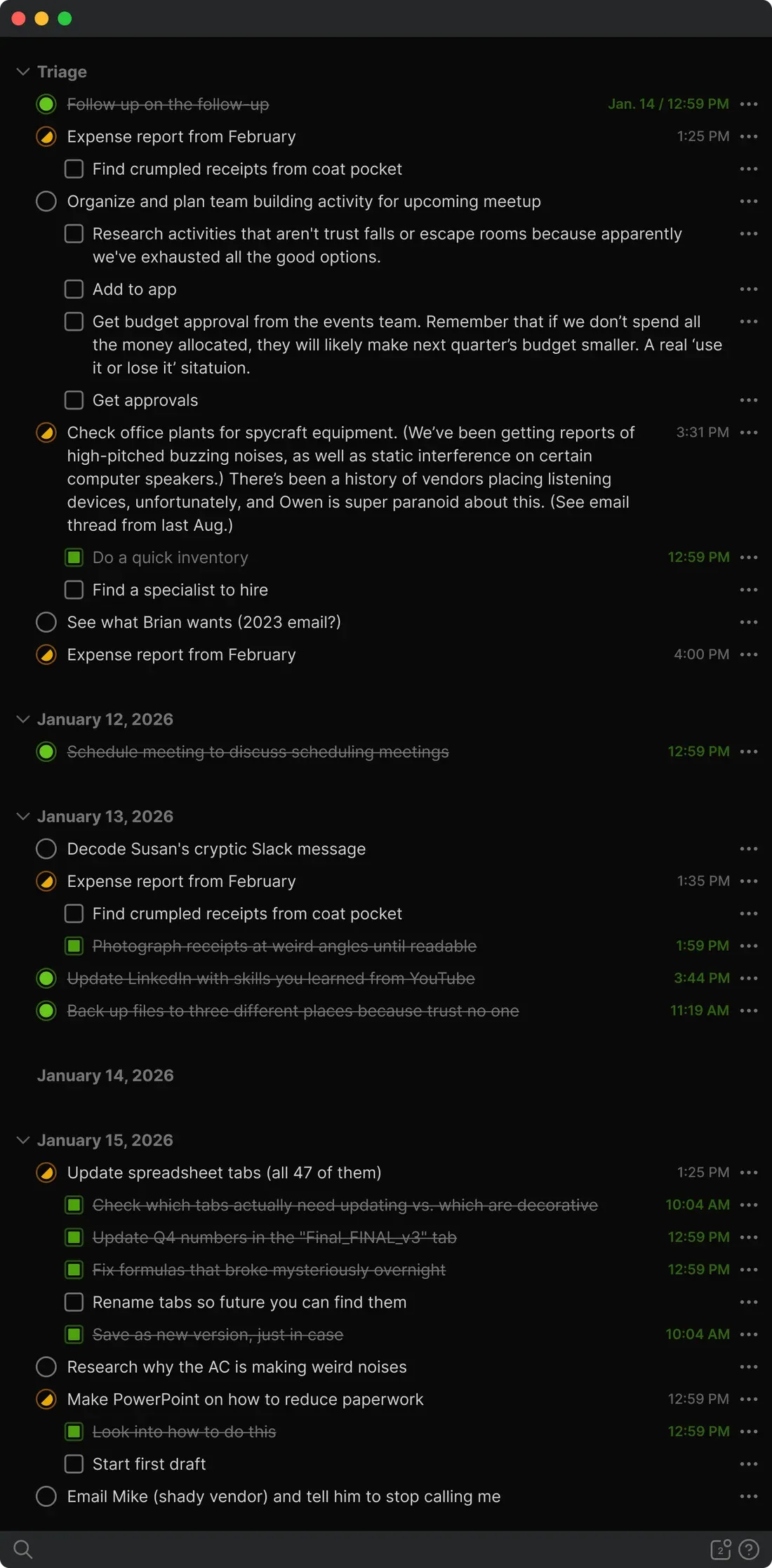
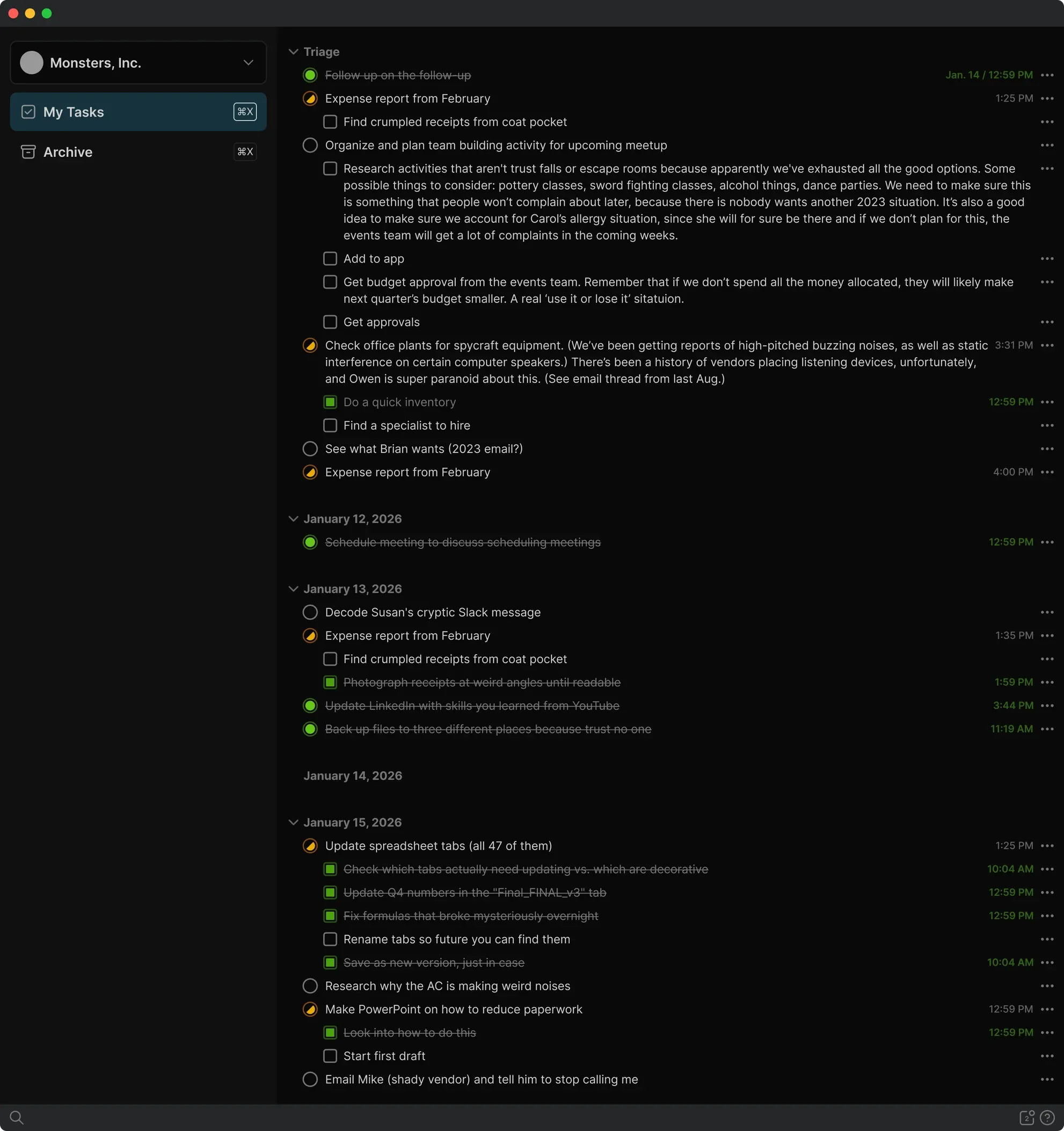
The main task list: a Triage section, then dated sections, with tasks, subtasks, and start and end times.

Easily Prioritize Tasks

Tasks can be dragged and dropped based on due date. The empty, half-filled, and filled circle indicates if a task is not started, in-progress, or done. Each task can have subtasks included, which can carry a state of not started or done.

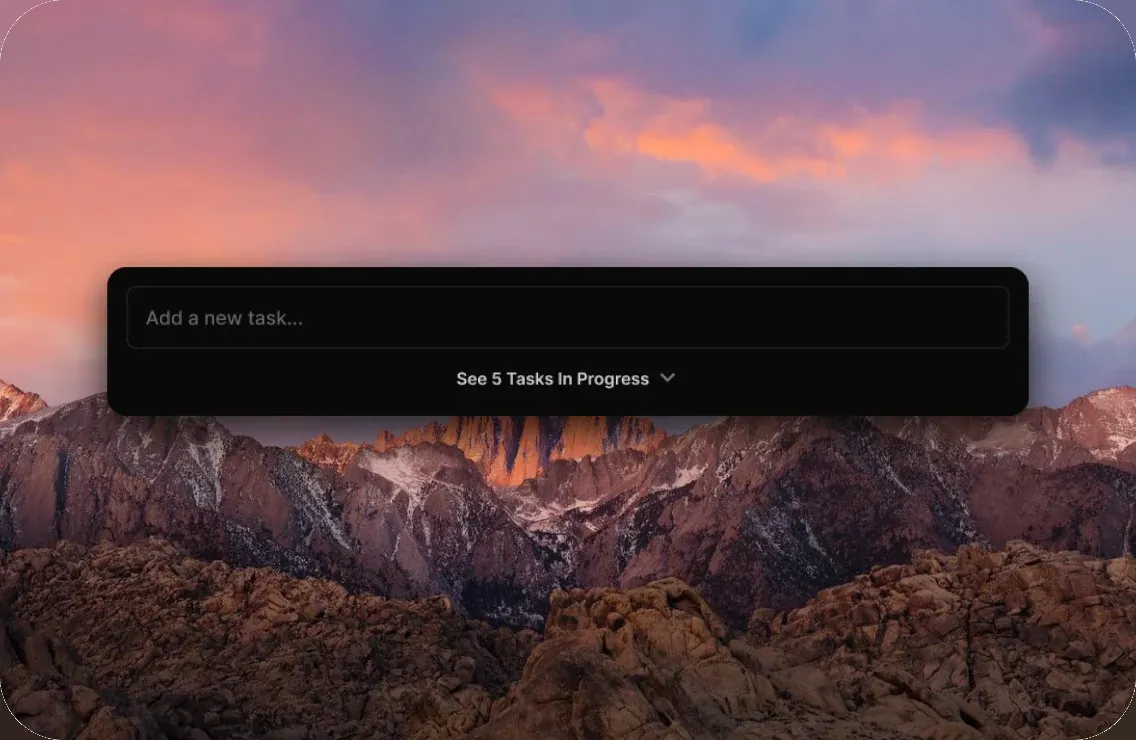
Quick Add over the desktop: a single field that reads Add a new task, with a link to see five tasks in progress.
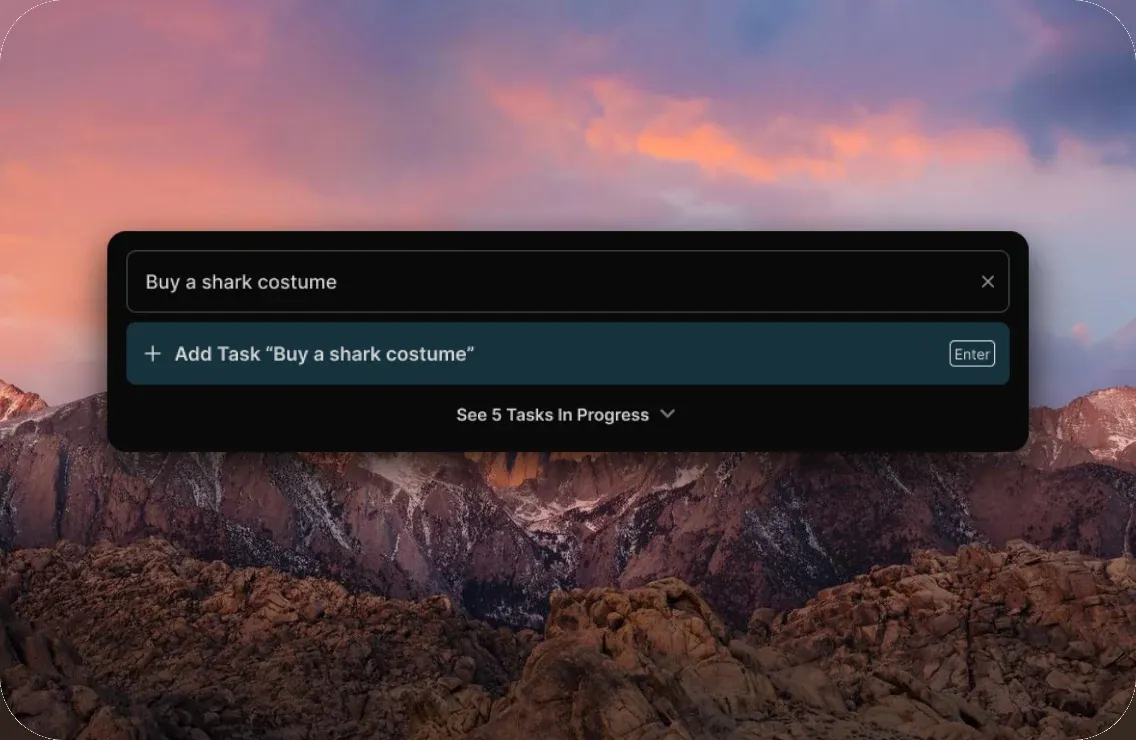
Quick Add with “Buy a shark costume” typed in, and an Add Task option highlighted with an Enter key hint.
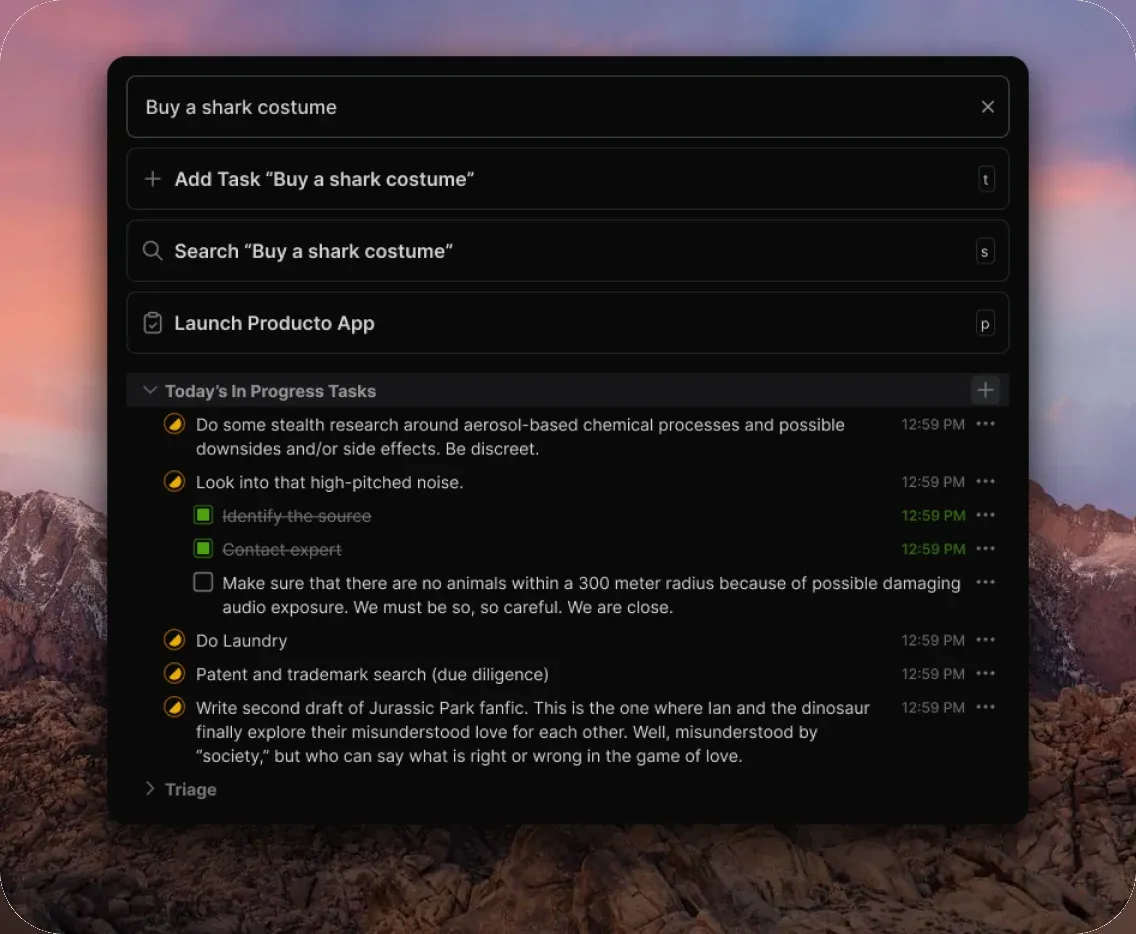
Quick Add expanded: options to add the typed text as a task, search for it, or launch the app, above today’s in-progress tasks.
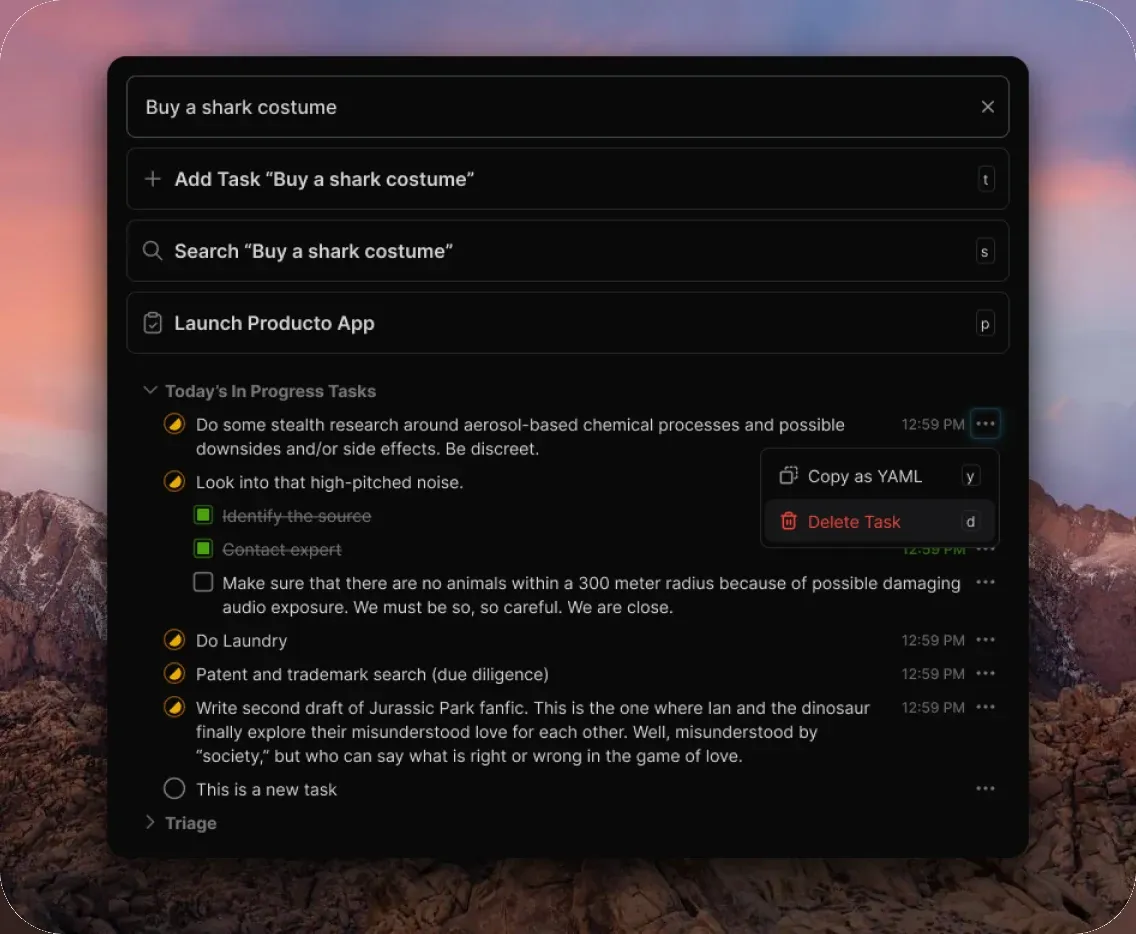
Quick Add expanded with a task’s menu open, offering Copy as YAML and Delete Task, and a new task added to the list.

Capture Everything with Quick Add

Quick Add is a feature inspired by the app Raycast that allows users to quickly add a task or subtask at any time on their computer by using a customizable shortcut key. Tasks get added by default into the triage area, but can also be organized by date within the module if needed.
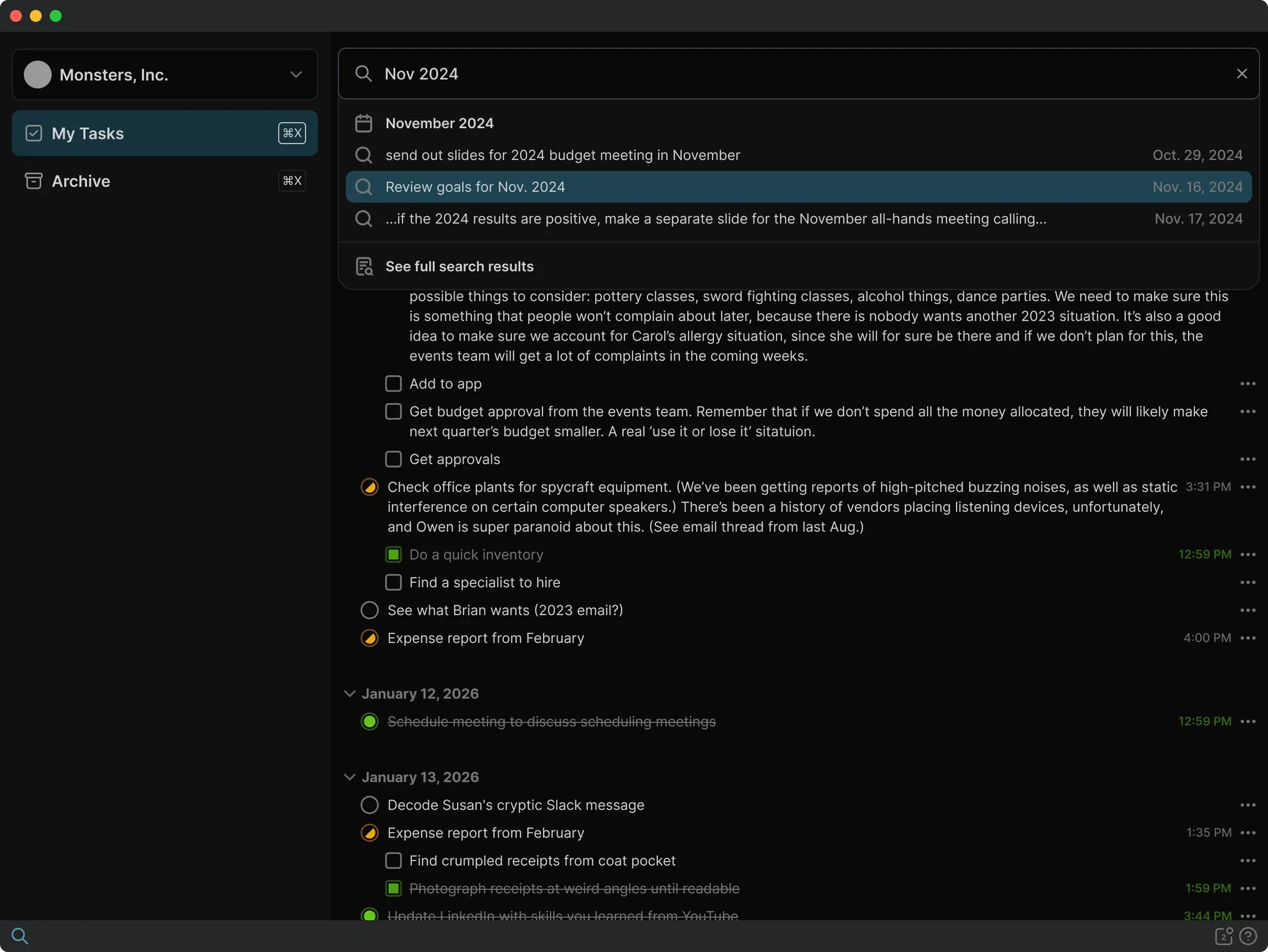
Quick Search: typing Nov 2024 shows a short list of matching tasks with dates, and a link to see full search results.
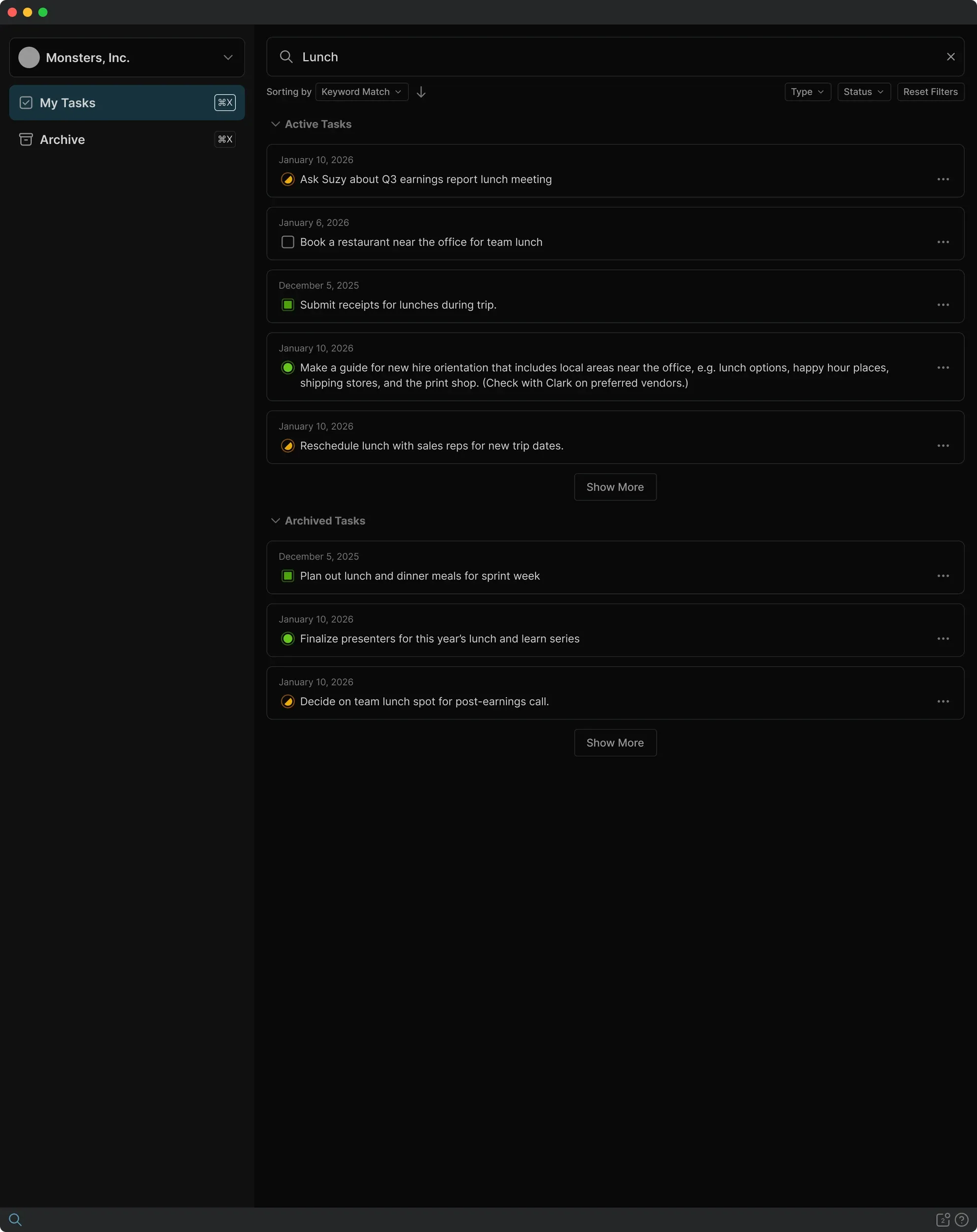
The full search page: results for Lunch with sort, type and status controls, grouped into Active Tasks and Archived Tasks.

Full Search Functionality

Quick Search allows the user to see top search results in real-time and go to each item with a single click. The full search allows more comprehensive sorting and filtering options, to make it easier to find a specific current or archived task.

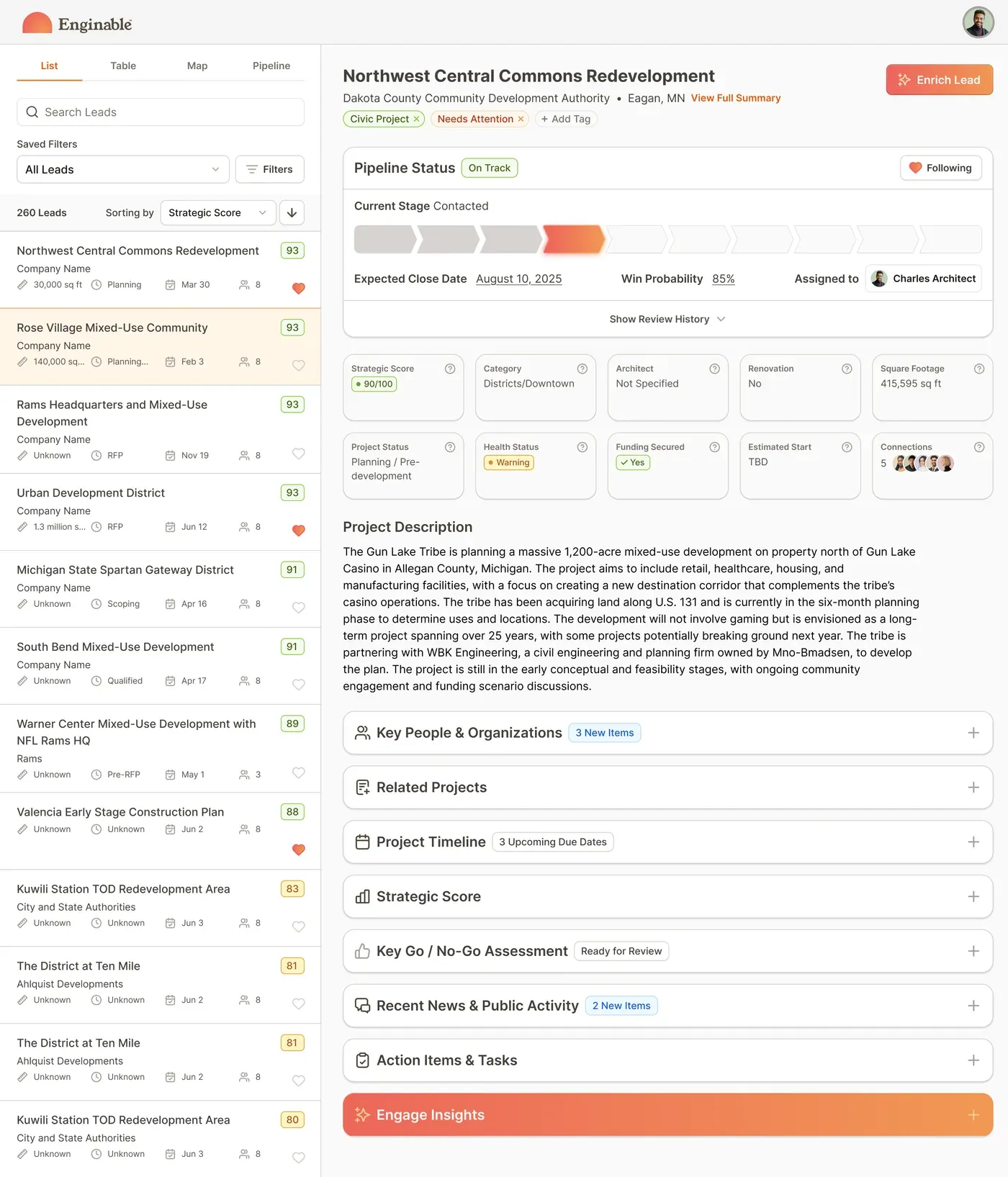
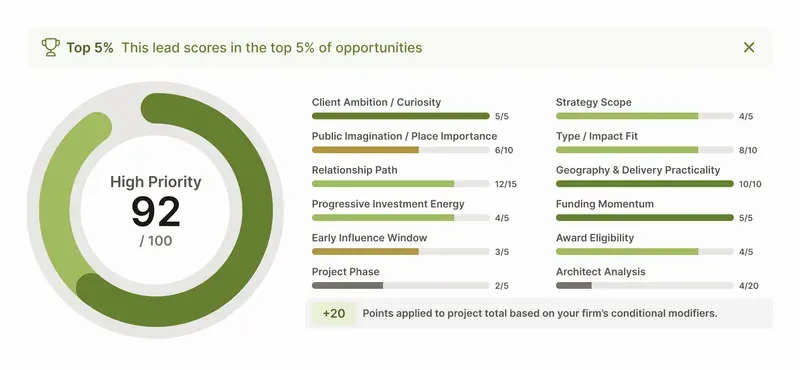
AdaptEngine lead record for a civic redevelopment project, showing its pipeline status and a high priority score of 92

Next Project

AdaptEngine

Check It Out